Custom vs. Off-the-Shelf Dental Software: How to Choose
Custom vs. off-the-shelf dental software: a fair look at both, where subscriptions break down, and the decision framework we'd run with any clinic.

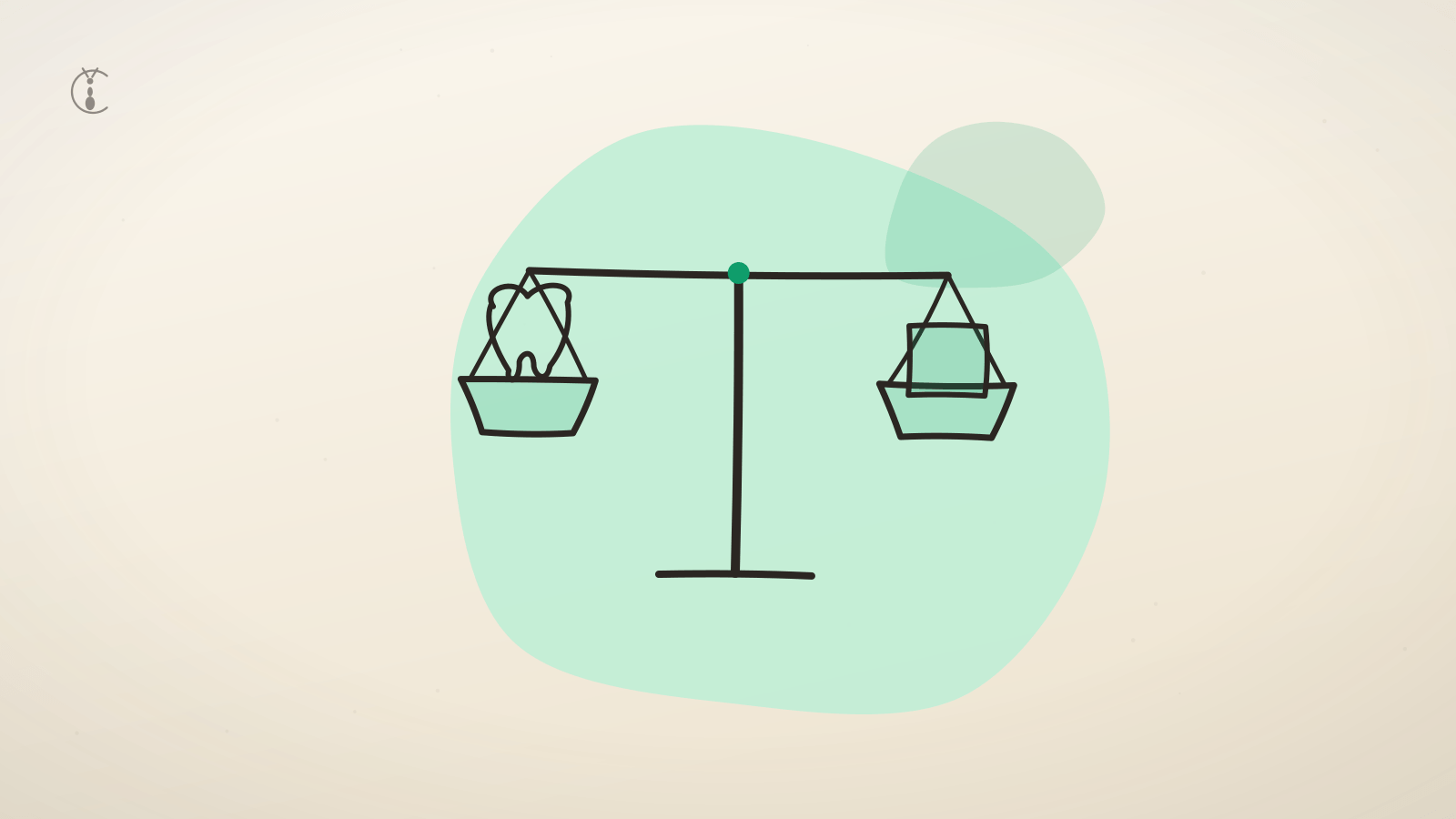
If you run a dental clinic and you've priced the options, you've hit this fork: rent off-the-shelf practice management software built for someone else's clinic, or build your own. We're a software studio, so you'd expect us to say build. We won't. When a clinic's situation calls for off-the-shelf, that's what we tell them. What follows is the framework we'd run with you, including the cases where custom is a mistake.
The short answer: a single location with standard workflows and tight cash should buy off-the-shelf. Three or more locations, workflows the demo doesn't cover, and a five-year budget horizon point to custom. Everything in between is where the real decision lives, and that's what the rest of this post is for.
If you're earlier in the research, start with the complete guide to dental clinic management software. This post assumes you know roughly what these systems do and you're deciding how to get one.
The honest case for off-the-shelf
Off-the-shelf exists because most clinics have mostly similar needs. A scheduler, a patient database, charting, billing, recall reminders. The big vendors have refined those features over decades and thousands of clinics. You will not out-design them on the basics.
Four things off-the-shelf does genuinely well:
You start fast. Sign up, import patients, train staff, go live. Two to four weeks is realistic. A custom build is measured in months. If your front desk is drowning today, "live next month" beats "perfect next year."
The cost is predictable. A subscription is a known number every month. No surprise invoices, no scope debates. For a clinic running on tight margins, predictability is worth real money.
Support and community come included. When something breaks at 7 a.m. on a clinic day, there's a help desk. New hires may already know the system from a previous job. There are forums, tutorials, trainers.
Compliance and uptime are someone else's job. Backups, security patches, data-protection updates, server failures at 2 a.m. The vendor absorbs all of it. That's a meaningful chunk of operational risk you never have to think about.
So here's the clear call: if you run a single location, your workflows are close to the software's defaults, you need to be live within a month, and cash is tight, buy off-the-shelf. Don't agonize. Custom software can't beat that combination, and anyone who tells you otherwise is selling something.
Where off-the-shelf starts to hurt
The pain shows up in four predictable places. We hear about them in roughly this order.
Per-seat and per-location pricing compounds. Off-the-shelf pricing is designed to grow with you. Typical practice management subscriptions land somewhere around USD 300 to 700 per location per month once you add the modules you actually need. One clinic, fine. Five clinics is USD 18,000 to 42,000 a year, every year, with annual price increases on top. The software doesn't get five times better; the invoice just gets five times bigger.
The workflows assume a market you may not be in. Most major dental platforms are built for North American clinics: patient portals, email confirmations, credit card on file. Our reality in the Philippines looks different. Patients message the clinic's Facebook page instead of opening a portal. They pay with GCash or cash. The front desk switches between Tagalog and English mid-sentence. We built our own platform, Denti, around exactly these patterns. Its AI receptionist books appointments over Messenger in mixed Tagalog and English and confirms with an SMS reminder, because that's how patients here actually behave. No imported product treats that as a first-class workflow; at best you get a bolted-on integration.
Your data is yours in theory. Export limits are the quiet trap. Some vendors export patient records but not appointment history. Some export CSVs but not attachments or charts. Migrations from locked-down systems routinely take more effort than setting up the new software itself. The longer you stay, the heavier the data, the higher the wall.
Integrations hit a ceiling. Want appointment events to trigger a custom recall sequence? Want no-show data from all your branches feeding one dashboard? With off-the-shelf you get whatever API or webhook hooks the vendor offers, and not one endpoint more. When the integration you need doesn't exist, your only move is a feature request into the void.
None of these are scandals. They're the natural economics of a vendor serving thousands of clinics. But they're the reasons multi-location owners start asking about custom.
What custom actually buys you
Custom isn't "off-the-shelf, but you paid more." It's a different shape of asset. Four things change:
The software matches the operation, not the other way around. Your appointment statuses, your recall logic, your payment methods, your languages. In Denti, appointment events like cancellations and no-shows automatically trigger templated SMS, email, or Messenger follow-ups, and a daily scanner queues reminders for patients overdue for recall. We didn't configure that from a vendor's options menu. We wrote it to match how a clinic actually chases recalls.
You own the data and the roadmap. The next feature is whatever your operation needs most, not whatever the vendor's largest enterprise customers voted for. Your patient data sits in your database, exportable any way you like, forever.
Infrastructure cost goes flat across locations. This is the part subscription math never shows you. Denti is multi-tenant: one deployment, one PostgreSQL database, one Redis instance, with every record isolated by clinic at the row level. Onboarding clinic number two, or number ten, adds roughly nothing to the infrastructure bill. The cost curve that punishes growth under per-location pricing simply isn't there. We wrote up how we built that multi-tenant design on a small-team budget if you want the technical detail.
Automation can go as deep as you want. Because you own the whole stack, the AI receptionist can check real availability and book real appointments, not just answer FAQs. Staff can correct the bot's replies and those corrections feed back into how it answers next time. Cost alerts fire before the LLM bill surprises anyone. That depth isn't possible when you're renting the data layer.
The real costs of custom
We build custom software for a living, and we'll still be blunt: it has real costs, and not just the invoice.
The upfront build is real money. You're trading a monthly fee for a capital expense. Done sensibly — scoped to the workflows that are actually different, not a clone of the vendor's full feature list — a clinic platform is months of work, not weeks. We broke down the numbers, with assumptions stated, in how much it costs to build custom clinic software.
You become the product owner. Nobody adds features you didn't ask for. That cuts both ways: no bloat, but also no free roadmap. Someone in your organization has to decide what gets built and in what order. If nobody on your side wants that job, custom will frustrate you.
It needs a maintenance arrangement. Software isn't a building. Dependencies age, security patches land, the platform underneath moves. Before you commit, know who maintains the system after launch and what that retainer costs. Our own infrastructure is Terraform-managed and boring on purpose, which keeps maintenance small. Small is not zero.
A decision framework you can run in an afternoon
Four questions, answered honestly, get you most of the way.
1. How many locations, now and in three years?
- One location, no expansion plans: off-the-shelf, almost always.
- Two or three locations: run the subscription math over five years. You're in the gray zone.
- Four or more, or a franchise model: custom starts winning on cost alone, before fit even enters the picture.
2. How standard are your workflows?
- If the vendor's demo video could be a recording of your front desk, buy.
- If your patients book through Messenger, pay through GCash, and your reminder scripts switch languages by patient, you'll fight an imported product every day. That fight has a payroll cost.
3. What's your budget horizon?
- If you compare month one, off-the-shelf wins every time. That's by design.
- Compare five-year totals instead: subscriptions across all locations plus eventual migration cost, versus build plus maintenance. Multi-location subscription totals routinely cross the cost of a scoped custom build somewhere in years two to four.
4. Is the software part of your edge?
- If software is plumbing to you, rent the plumbing.
- If faster recalls, fewer no-shows, and a front desk that answers at midnight are how you plan to beat the clinic down the street, you eventually want to own that machine.
Compressed into rules of thumb: choose off-the-shelf if you're a single clinic with standard workflows and less than a year of subscription cash in reserve. Choose custom if you're at three or more locations (or credibly heading there), your workflows don't fit the demo, and you can think in five-year totals. In between, start off-the-shelf and read the next section.
Hybrid paths: you don't have to choose forever
Build-versus-buy framing hides a third option most clinics should consider: sequence it.
Start off-the-shelf, switch at the pain point. Buy the subscription now, but protect your exit. Export your full data quarterly and confirm the files actually open. Keep your patient communication channels, like your Facebook page and SMS sender ID, under your own accounts rather than the vendor's. When the per-location math turns, you migrate from a position of strength.
Keep the system, bolt on what's missing. Often the core records are fine and the gap is patient-facing: nobody answers Messenger at 9 p.m., reminders are generic, nothing speaks Tagalog. An AI receptionist or automation layer can sit in front of an existing system and hand confirmed bookings to it. These are integration-scale projects measured in weeks, not platform rebuilds measured in months.
Go custom where you differentiate, rent the rest. Some multi-location groups keep clinical charting in a vendor system and build only the layer they compete on: booking, reminders, recall automation, and cross-branch reporting. Smaller build, most of the upside.
What we'd tell you in the first call
The honest version: most single-location clinics that ask us about custom software shouldn't build it yet. We'd rather say that in the first call than discover it in week six. But if you're running multiple locations on per-location subscriptions, fighting software that doesn't speak your patients' language, or stuck under a vendor's integration ceiling, custom stops being a luxury. Over any horizon longer than two or three years, it's usually the cheaper option too.
If you want a second opinion on your specific numbers — locations, current subscription, the workflows that don't fit — talk to us. We'll tell you if off-the-shelf is still your best move. We've done it before, and it costs us nothing to be right.
Frequently asked questions
- Should I choose custom or off-the-shelf dental software?
- Choose off-the-shelf if you run a single clinic with standard workflows and less than a year of subscription cash in reserve. Choose custom if you are at three or more locations (or heading there), your workflows do not fit the demo, and you can think in five-year totals. Most single-location clinics that ask us about custom should not build it yet.
- When is off-the-shelf dental software the better choice?
- When you need to be live within a month, your workflows match the software defaults, and cash is tight. Off-the-shelf gives you a fast start, a predictable subscription, included support, and someone else handling backups, security, and uptime. A custom build cannot beat that combination for a standard single clinic.
- What are the downsides of off-the-shelf practice management software?
- Per-seat or per-location pricing that compounds as you add branches, workflows built for another market (portals and cards instead of Messenger and GCash), data-export limits that make leaving expensive, and integration ceilings where the feature you need simply is not offered. None are scandals; they are the economics of serving thousands of clinics.
- Can I start with off-the-shelf and switch to custom later?
- Yes, and many clinics should. Buy the subscription now but protect your exit: export your full data quarterly and confirm it opens, and keep your Facebook page and SMS sender ID under your own accounts. You can also keep the off-the-shelf system and bolt on a custom AI receptionist or automation layer in front of it.